
Tracking guide
AliExpress Tracking Not Updating? Real Causes and Fixes (2026)
·AliExpress Tracking·aliexpresstracking.org
Stuck on an old AliExpress tracking status? Learn the usual reasons updates freeze, when silence is normal, and what to do before opening a dispute.
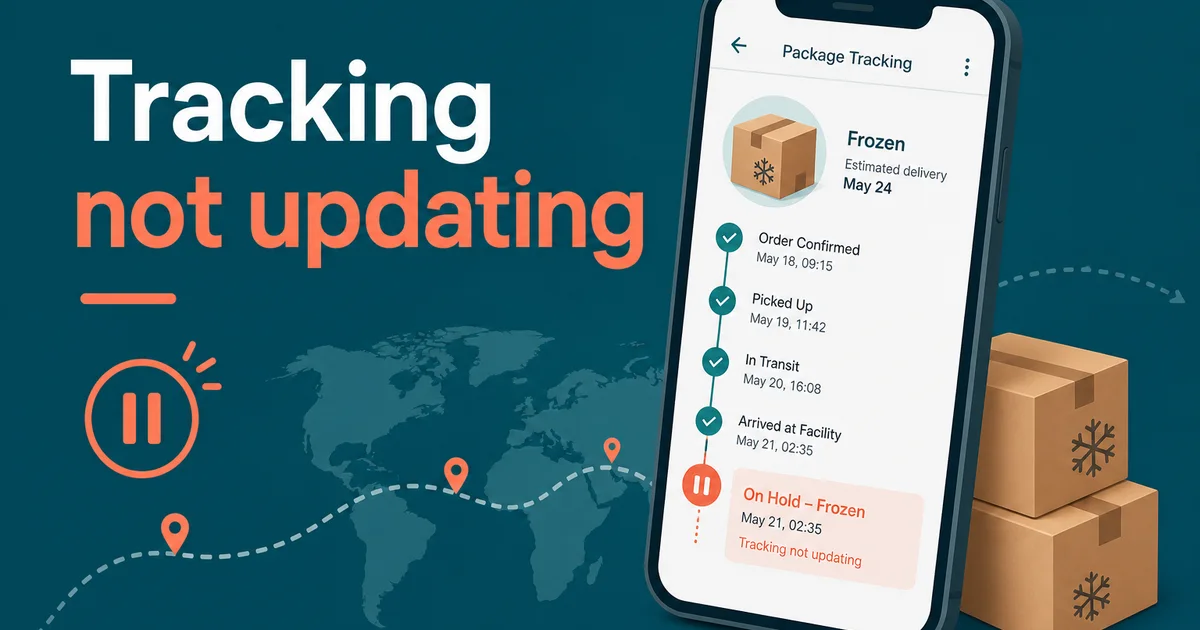
Your AliExpress tracking worked for a few events—then froze. A stuck status is stressful, but international shipping has long quiet stretches by design. This guide explains when silence is normal, when it is not, and how to fix or escalate.
Why Tracking Stops Updating
1. International transit gap
After “departed origin airport,” economy and Standard parcels often show nothing for days or weeks while freight moves and waits for import slots. This is the most common “freeze.”
2. Customs hold
“Arrived destination country” or “inbound customs” can sit unchanged during inspection, duty assessment, or peak backlog. The parcel is not moving on a van yet—so no new local scans appear.
3. Carrier handoff lag
When Cainiao or a Chinese forwarder passes the parcel to USPS, Royal Mail, Pakistan Post, or another last-mile network, the next scan can lag until the local system claims the item.
4. Weekend and holiday pauses
Hubs and customs desks run lighter schedules. Gaps over long weekends look longer than they are.
5. Thin economy tracking
Saver and free shipping may only publish major milestones. Mid-journey detail simply is not in the feed.
6. Bad or recycled tracking ID
If early events never matched your destination—or the trail dies forever—the number may be wrong. Contact the seller promptly.
How Long Is “Normal” Silence?
- After first export scan: 5–15 days with no update can still be normal on Standard routes.
- After customs arrival: 2–10 days depending on country and season.
- After “out for delivery”: Expect same-day or next-day resolution; longer means follow up.
Always weigh silence against AliExpress’s estimated delivery date and Buyer Protection timer—not against same-day courier expectations.
Fixes That Actually Help
- Re-track on a multi-carrier tool — Paste the number on aliexpresstracking.org. Sometimes AliExpress UI lags behind the logistics feed.
- Try the destination carrier site — After import, local postal tracking can be fresher.
- Confirm the full number — Extra spaces or truncated IDs return empty or old histories.
- Optional carrier pick — If auto-detect is wrong, choose Cainiao, Yun Express, 4PX, or your last-mile carrier in the picker.
- Message the seller — Ask for the latest warehouse or forwarder screenshot and whether a domestic number was issued.
- Watch for a second number — Some routes add a local tracking ID after customs.
When to Open a Dispute
Open a dispute (or escalate in chat first) when:
- No movement past the estimated delivery date
- Tracking shows returned to sender and the seller is unresponsive
- Delivered status appears but you never received the parcel
- Evidence points to a fake or unused tracking number
Attach timelines, screenshots from aliexpresstracking.org, and seller chat. Clear evidence speeds outcomes.
Practical Mindset for 2026
AliExpress parcels are multi-leg journeys. A frozen line on the screen often means the parcel is between scan points—not that it disappeared. Use a reliable tracker, know your shipping method’s pace, and escalate with dates and proof when protection windows tighten.
Need a clean timeline view? Start on the AliExpress Tracking homepage.